Home »
AdBlock vs AdBlock Plus – What’s the Difference?
AdBlock and AdBlock Plus are two different browser extensions from two different companies. Despite the similar names and icons, they are entirely separate products :) A common misconception: AdBlock Plus is not a paid "plus" version of AdBlock. However, both extensions aim to clean up websites; they rely on different developer philosophies, user control setups, and business models to handle unwanted advertisements across the web.
So no, AdBlock and AdBlock Plus are not the same. :) Let's check the difference together!
AdBlock vs AdBlock Plus – Quick Comparison
| Feature | AdBlock | AdBlock Plus |
| Developer | Developed by one creator, inspired by AdBlock Plus | Developed by Eyeo GmbH (open-source community) |
| Launch year | 2009 (started as Chrome extension) | 2006 (started as Firefox extension) |
| Filter list | EasyList (same as AdBlock Plus) | EasyList (same as AdBlock) |
| Acceptable Ads | Off by default (can enable) | On by default (can disable) |
| Customization | Basic filter options | Advanced filter lists, more customization |
| Right-click block | Can block any page element | Not available |
| Open source | Yes | Yes |
| Browser support | Chrome, Firefox, Edge, Opera | Chrome, Firefox, Edge, Opera, Safari |
| MV3 compatible | Partial | Partial (had issues in Chrome 127+) |
| Price | Free (donation optional) | Free (donation optional) |
The Key Fact Most Articles Miss
Both AdBlock and AdBlock Plus use the same filter list – EasyList. This means they block exactly the same ads. The differences are in interface, customization, and the Acceptable Ads policy – not in which ads they block.
What Is AdBlock?
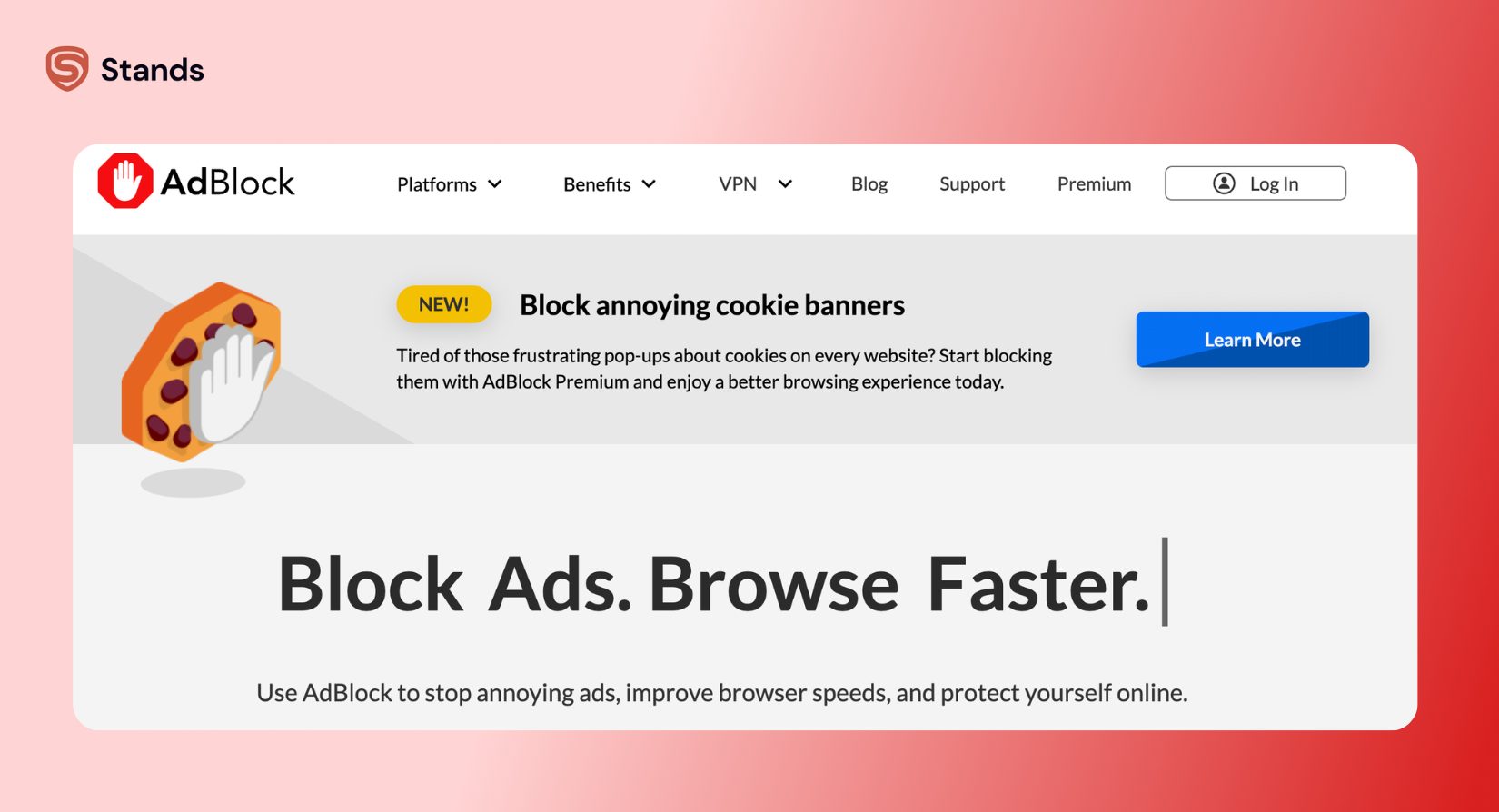
AdBlock entered the market in 2009 as a dedicated extension for Google Chrome, designed with a focus on simplicity. It gives you an accessible way to remove online clutter without any complex technical settings.
- Element blocking: Includes a right-click tool that lets users click and remove specific page elements manually.
- Filter options: Supports custom allowlist and blocklist management for specific web addresses.
- Privacy settings: Leaves the Acceptable Ads initiative turned off by default upon initial installation.
What Is AdBlock Plus?
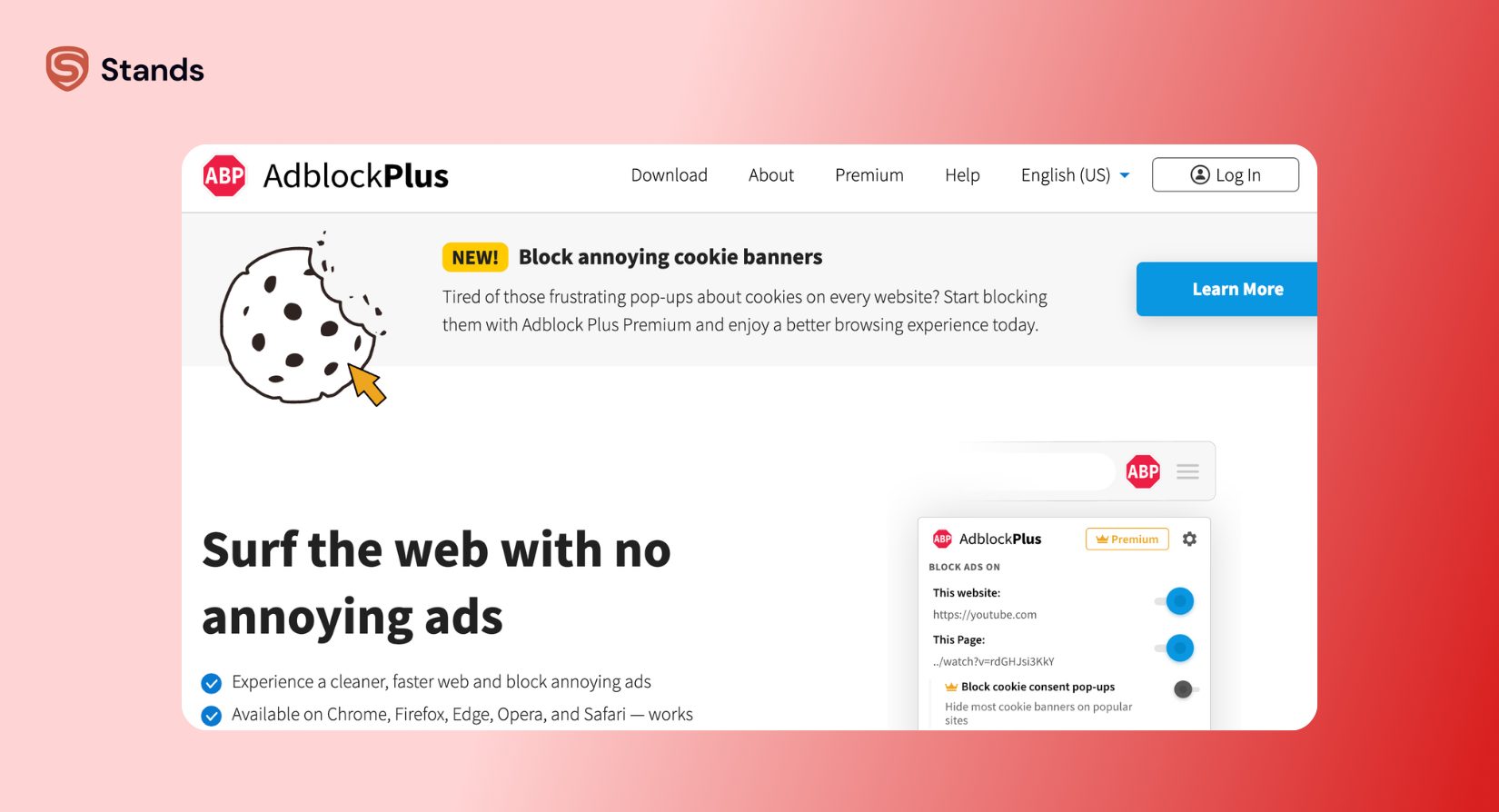
Launched in 2006, AdBlock Plus (ABP) originated as an open-source project for Mozilla Firefox. Maintained by the software firm Eyeo GmbH, it offers an extensive framework built for users who want granular control over content filtering rules.
- Advanced control: Offers extensive configuration tools and external filter list integration.
- Acceptable Ads: Participates in the Acceptable Ads program on by default, showing non-intrusive ads unless users turn it off.
- Community roots: Operates on open-source code driven by community contributions.
- Monetization model: Allows large web platforms to pay Eyeo to whitelist ads that meet specific non-disruptive criteria.
Manifest V3 – What It Means for AdBlock Users in 2026
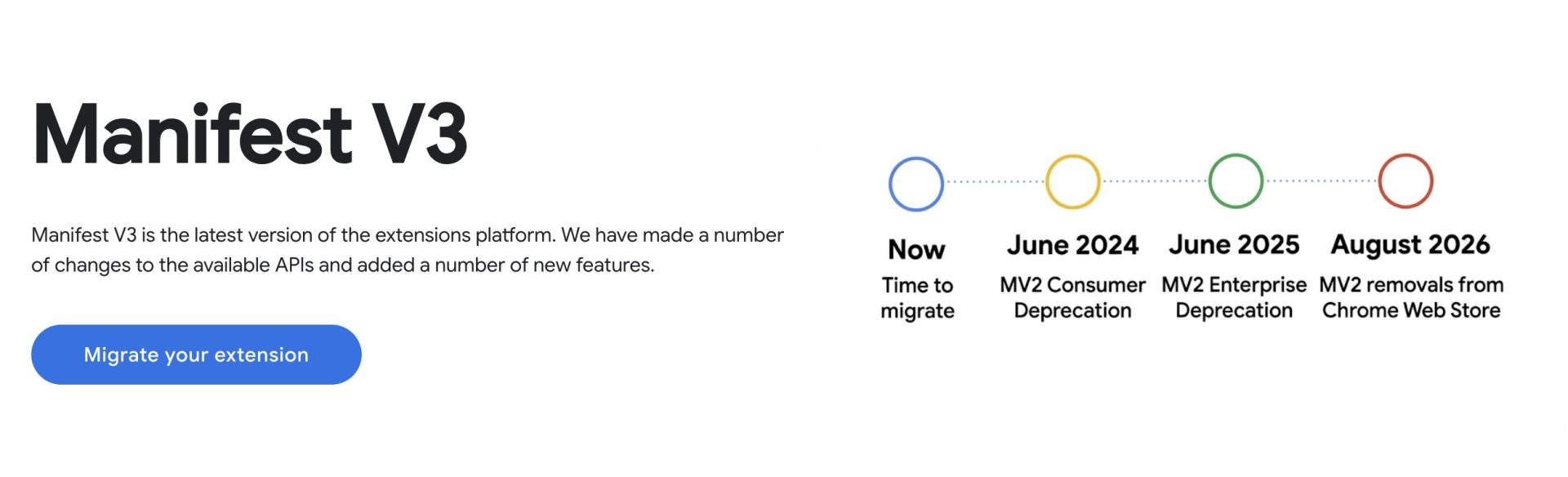
Google's Manifest V3 (MV3) update altered how extensions execute content filtering inside Chrome. Legacy ad blockers relied on older APIs; the declarativeNetRequest framework shifts restricted how dynamically extensions can update rules. Both AdBlock and AdBlock Plus updated their codebases for compliance, but these changes led to reduced rule limits and slower updates against fast-changing ad servers.
There's another option for how to work with that. Engineers built Stands AdBlocker natively around Manifest V3 requirements and by optimizing its engine specifically for modern browser standards, Stands maintains full filtering performance on Chrome in 2026 without running into the technical constraints that slow down older extensions.
Pros and Cons
AdBlock – Pros and Cons
| Pros | Cons |
| Lightweight, fast interface | Fewer default customization options than ABP |
| Right-click element blocking tool | Advanced configuration menus can feel limited |
| Acceptable Ads disabled by default | Noted privacy concerns in past company acquisitions |
| Simple setup works immediately out of the box | Fewer pre-configured filter lists available |
AdBlock Plus – Pros and Cons
| Pros | Cons |
| Extensive filter customization tools | Acceptable Ads program enabled by default |
| Fully open-source community support | Large ad networks can pay to bypass filters |
| Extensive collection of regional filter lists | Higher system resource usage during peak browsing |
| Supports Safari alongside desktop browsers | Lacks a point-and-click manual element blocker |
Which Should You Choose?
| If... | Choose |
| You want minimal setup, just block ads | AdBlock – simpler interface, works out of the box |
| You want full customization and filter control | AdBlock Plus – more options for advanced users |
| You want Acceptable Ads disabled by default | AdBlock – off by default vs AdBlock Plus's on-by-default |
| You want to block specific page elements | AdBlock – right-click element blocking |
| You use Safari | AdBlock Plus – AdBlock has limited Safari support |
| You want MV3 native in Chrome (2026) | Stands AdBlocker – built for MV3 from the ground up |
Stands AdBlocker – The Alternative Worth Considering
If you want comprehensive protection without adjusting settings or compromising performance under modern browser updates, Stands AdBlocker offers a modern alternative :) Designed natively for Manifest V3, Stands removes advertising noise while maintaining rapid page load speeds across all web platforms.
- Native MV3 architecture: Built to handle Chrome's current extension environment without breaking rule limits.
- Community trust: Holds a 4.8-star rating on the Chrome Web Store with over 3 million active daily users.
- Ethical model: Free to use without participating in whitelisting schemes or paid ad programs.
Try Stands AdBlocker for Chrome to experience complete, fast content filtering on every site you visit :)
Frequently Asked Questions
Is AdBlock the same as AdBlock Plus?
No. AdBlock and AdBlock Plus are different extensions made by different companies :) Despite similar names and icons, they are separate products – AdBlock Plus is not a paid version of AdBlock.
Do AdBlock and AdBlock Plus block the same ads?
Yes, mostly. Both use the same default filter list (EasyList), which means they block the same ads :) The main differences are in interface, customization options, and how each handles Acceptable Ads.
Which is better, AdBlock or AdBlock Plus?
It depends on your preference :) AdBlock is simpler and has right-click element blocking. AdBlock Plus offers more customization and a larger filter database. Both are free and equally effective at blocking ads.
Is AdBlock Plus free?
Yes :) AdBlock Plus is free to download and use. It relies partly on funding through the Acceptable Ads program, where advertisers can pay to display non-intrusive ads by default – users can disable this setting anytime.
Why do I still see ads with AdBlock or AdBlock Plus?
Both extensions allow "Acceptable Ads" by default – showing non-intrusive ads that meet certain criteria :) You can disable this in extension settings to block all ads. Some streaming platforms (like YouTube) also update their ad delivery continuously to bypass filters.